Product Details
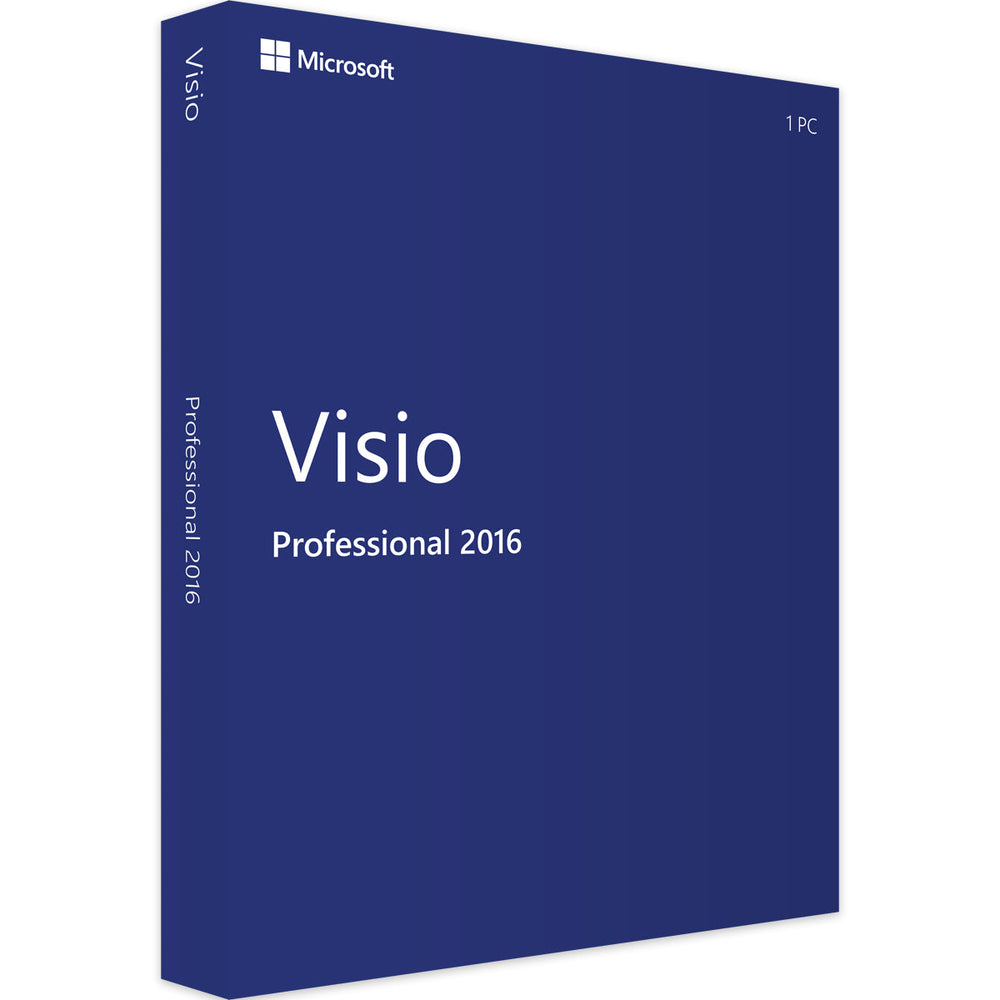
Microsoft Visio 2016 Professional 1PC Device Lifetime License
FEATURES:
- License: Lifetime
- Official Microsoft Visio Download (via office.com)
- Official Microsoft Product Key is provided
- Instant Digital Email Delivery
- 1 License for 1PC Computer User
- You can transfer the license to a new computer
- Compatible with: Windows 11, Windows 10, Windows 8, Windows 7
Microsoft Visio 2016 Professional is a powerful diagramming and vector graphics application that helps users simplify complex information through simple, easy-to-understand diagrams. The software includes a wide array of built-in shapes, objects, and stencils to work with. It provides enhanced collaboration with other team members, supports linking diagrams to live data, and enables data-driven visualization with new data graphics. Whether you're creating an organizational chart, a network diagram, or a business process, the powerful tools and templates in Visio 2016 Professional can make it easier to illustrate and communicate your ideas effectively.

Visually Appealing Templates
Microsoft Visio 2016 Professional offers an array of themes, styles, and templates that are designed to make your diagrams, flow charts, and graphs not only more appealing but also easier to understand.
Upgraded Diagramming Tools
The Professional edition of Visio 2016 enables users to handle complex data with advanced diagramming tools, facilitating the creation of detailed and informative visual representations.
Effortless Customization
With an improved set of themes and effects, Visio 2016 allows for quick customization of diagrams, making it possible to achieve a professional look with minimal effort.
Templates and Stencils
The software comes packed with enhancements including a wide selection of over 60 built-in templates and various stencils, helping you to get started quickly and achieve great-looking results.
Data Linking
Visio 2016 has capabilities to link diagram shapes to business data, providing a dynamic way to create visual representations of complex information from various data sources like Excel and SharePoint.
Publish SharePoint Workflows
Users can publish SharePoint workflows using the updated Windows Workflow Foundation 4.0 in Visio 2016, streamlining business processes and collaboration.
Built-in Stencils
A comprehensive set of built-in stencils and standards are provided, supporting a range of diagram types from basic network diagrams to complex organizational charts, enhancing the creation of multi-purpose diagrams.
Product Reviews
Shipping
Instant Delivery (Digital Delivery) – How It Works
We deliver your digital product fast after checkout. This page explains exactly how delivery works, where to find your order, and the most important notes to ensure a smooth experience.
Delivery Summary
- Delivery type: Digital / instant delivery (no physical shipping).
- Where you receive it: Order confirmation page + email delivery.
- Typical delivery time: Immediately to a few minutes after payment approval.
- Check spam/junk: If you don’t see the email, it may be filtered.
1) What “Instant Delivery” Means
Instant delivery means your purchase is delivered electronically. You’ll receive your download link, license key, access instructions, or digital files without waiting for shipping. Nothing is posted to you.
2) Where to Find Your Digital Delivery
- Order confirmation page: After checkout, you may see delivery details immediately on-screen.
- Order confirmation email: We send an email containing delivery details (download link, key, or instructions).
- Your Shopify account (if you created one): You can view order details and any digital downloads from your account area.
3) Delivery Time & Payment Approval
Delivery is usually immediate once payment is approved. Some payment methods can take a little longer to confirm (for example, bank-based methods or additional security checks). If your delivery doesn’t appear right away, please allow a few minutes and then check the troubleshooting steps below.
Important Notes Before You Buy
- Make sure your email address is correct at checkout (this is where delivery is sent).
- Check spam/junk and Promotions tabs if your delivery email doesn’t arrive.
- One purchase = one licence/access (unless the product page states otherwise).
- Digital items aren’t shipped and don’t include a physical disc, USB, or printed documents (unless stated).
- Use the correct device/account if your product requires sign-in or platform access.
- Do not share your licence/key publicly to avoid unauthorised use.
4) Troubleshooting: I Didn’t Receive My Delivery
If you don’t see your delivery, try the steps below:
- Wait 5–10 minutes (some payments take a moment to approve).
- Search your inbox for your order number or our store name.
- Check spam/junk and any “Promotions”/“Other” folders.
- Verify your email address on the order confirmation page or receipt.
- Try another mailbox view (mobile vs desktop, or a different email client).
Still stuck? Contact us with your order number and the email address used at checkout. We’ll help you locate your delivery as quickly as possible.
5) Refunds, Returns & Digital Products
Digital products are delivered instantly and may include licence keys or downloadable files. Because of the nature of digital delivery, refunds are typically only offered in line with our store policy and where applicable. If you have an issue accessing your purchase, please contact us first — we’re happy to help troubleshoot and resolve it.
6) Contact & Support
For the fastest support, please include:
- Your order number
- The email address used at checkout
- A short description of the issue (and screenshots if relevant)
Tip: If you purchase multiple digital items, you may receive separate delivery lines/links for each product.