
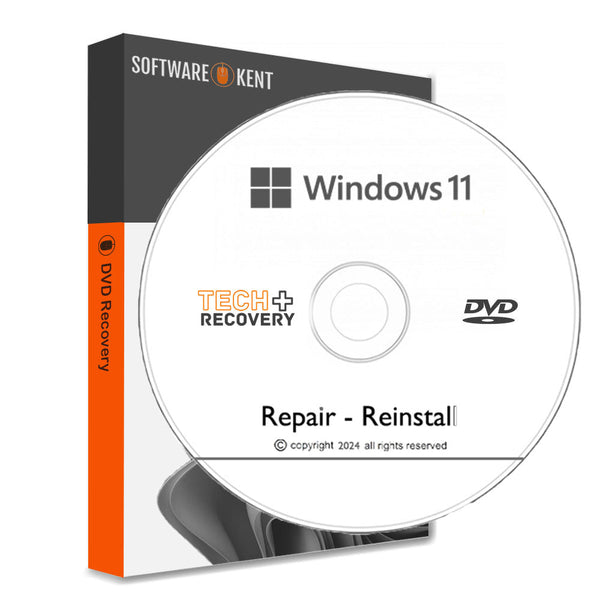

Product Details
Lenovo Recovery DVD for Windows 11
HP Recovery for Windows 11 DVD Home and Professional Reinstall
- DVD: Windows 11 Home and Professional 64 Bit Versions
- Manuals: Full Instructions Provided
- Reinstall, Recovery, Repair
- PC/Laptop is very slow, not loading windows or if you have a black/blue screen this is what you need.
- You can also Install Fresh Windows 11 onto a new Hard Drive or your existing one
- Works with ASUS, ACER, DELL, TOSHIBA, SONY, HP and all others makes and models
- Your computer guaranteed to be just like new FAST & RELIABLE
- You will also receive a Discount Code for your next order.
- Requirements: Firmware: UEFI, compatible with Secure Boot , TPM: Trusted Platform Module 2.0 (Read Below)
Product Key - if you bought your computer with windows 11 pre-installed then you DO NOT require a product key. This media will detect the product key automatically.
If you want to install windows 11 on a new hard drive or you never had Windows 11 operating system, in this case you will need an activation code, which we do sell .
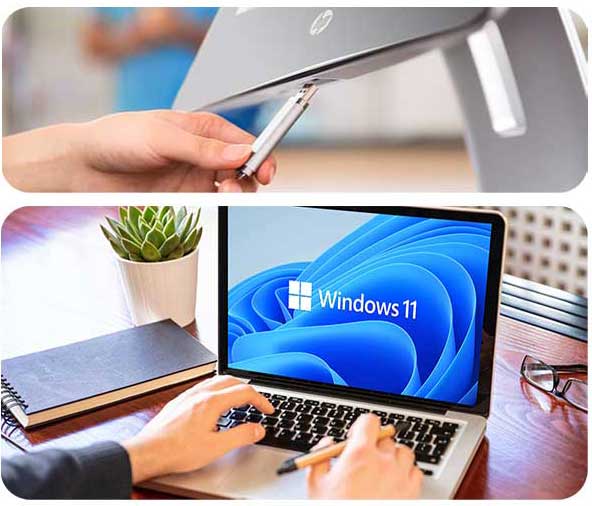
What is the Lenovo Recovery DVD?
The Lenovo Recovery DVD for Windows 11 is a powerful tool designed to restore your PC's operating system. It comes with a complete set of files and utilities required for system recovery. By using this DVD, you can easily recover your system from software issues, restore factory settings, or reinstall Windows 11. This recovery solution is not only user-friendly but also ensures that you have a backup method to troubleshoot any technical difficulties you encounter. Because of its straightforward process, users can perform recovery without any advanced technical skills.
Benefits of Using the Recovery DVD
Using the Lenovo Recovery DVD enhances your system's lifespan by allowing you to troubleshoot issues effectively. When your computer faces malfunctioning software or unresponsive behavior, this DVD serves as a reliable solution. Additionally, it helps in keeping your system free of clutter. However, it’s critical to use it correctly, as improper handling could lead to data loss. So, always ensure to back-up important files before proceeding with the recovery process to avoid unintended consequences.
How to Use the Recovery DVD
To utilize the Lenovo Recovery DVD for Windows 11, start by inserting the DVD into your PC's optical drive. Reboot the computer, and during the startup, press the required key to enter the boot menu. Select the DVD as your boot device. After the system loads, follow the on-screen prompts to restore or reinstall Windows 11. The entire process is guided, and you can monitor the progress. Additionally, because it is designed specifically for Lenovo products, the recovery operations will align perfectly with your specific model's requirements, ensuring optimal results.
Product Reviews
Shipping
🚀 Instant Delivery & Downloads
All eligible digital products are available & delivered instantly after successful payment.
- 📧 Instant email delivery after checkout
- ⚡ Immediate access to selected software & license keys
- 📝 Instant delivery availability is clearly stated on each product page
📦 Delivery for Physical Items (DVD / USB / SSD / HDD)
🇬🇧 UK Tracked Delivery
- ✅ FREE Delivery – 2–3 working days
- ⚡ FAST Delivery – 1–2 working days – £3.99
- 🚚 Next Working Day – £8.99 (order before 2pm, Mon–Thurs)
📌 Some software (e.g. Microsoft Windows or Office keys) is delivered instantly by email instead of post — this is always stated in the product description.
🌍 Worldwide Tracked Delivery
- ✈️ UPS Tracked Worldwide – 3–5 working days – £11.99
- 📧 Instant email delivery applies to eligible digital products worldwide
⏰ Dispatch Times
Orders placed before 2pm (Mon–Fri) are dispatched the same day.
Orders placed after 2pm are dispatched the next working day.
Weekend orders (Saturday & Sunday) are dispatched on Monday.
🚚 Next Day Delivery: Order before 2pm (Mon–Thurs).
Friday next-day orders are dispatched Friday but Saturday delivery is not guaranteed.
Orders placed after 2pm Friday are dispatched Monday for Tuesday delivery.
🌍 Worldwide Delivery: 3–5 working days (no weekends) for destinations such as USA, Canada, Australia, and more.
❓ FAQ – Delivery Issues
📭 Missed a delivery?
If no one is available, the carrier may leave your parcel in a safe place or provide instructions to rearrange delivery.
📦 Delayed delivery?
If your estimated delivery date has passed, please contact us. We will investigate with the carrier and resolve the issue promptly. Photos may be requested for damaged items.
🔑 Didn’t Receive Your Digital Key?
- 📥 Check your inbox and spam/junk folders
- ✉️ Confirm your checkout email address is correct
- 🕒 In rare cases, delivery may require manual fulfilment
If manual fulfilment is required, your license will be delivered within 2–3 working hours during our operating hours:
Monday–Sunday, 9:00–17:00 (UK time).


