
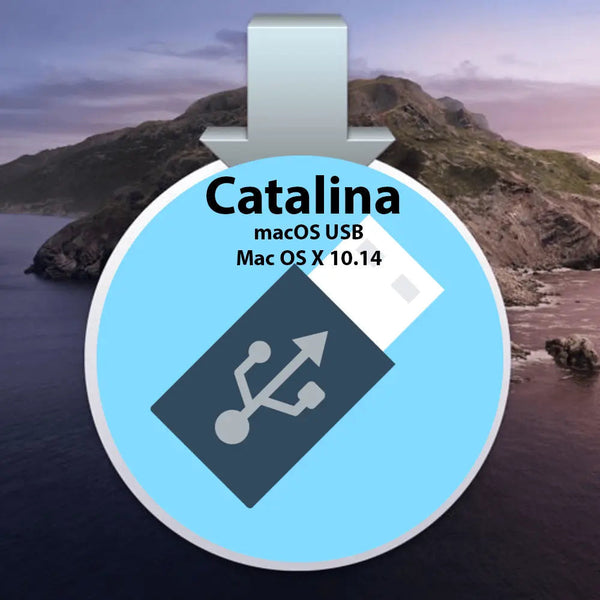
Apple Mac OS X 10.15 Catalina Recovery Repair Reinstall USB
Regular price
€17,95
Availability: Available
Product Vendor: Software Kent

Product Details
Apple Mac OS X 10.15 Catalina
This USB can be used to install a clean copy of Apple Mac OS X 10.15 Catalina or to update your existing system to 10.15 Catalina
Installing, Recovering or upgrading your software from a USB is NOT a quick process and can take 30-45 minutes to complete. Please be patient and allow the process plenty of time to finish.
System Requirements
- Mac with an Intel Processor
- Minimum 2GB of RAM
- Minimum 9GB of disk space available
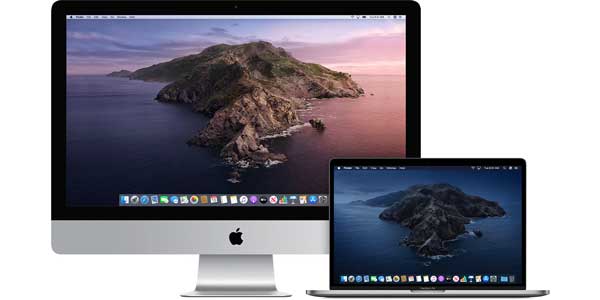
Supported Models
- iMac :2012 onwards
- MacBook Air :2012 onwards
- MacBook :2012 onwards
- Mac Mini :2012 onwards
- MacBook Pro : 2012 onwards
- Mac Pro : 2012 onwards
- Xserve : 2012 onwards
Installation Instructions
- Insert the USB in your USB Slot. It should appear on your desktop. Do NOT click on it.
- Restart your mac.
- As soon as you hear the startup chime press and hold the option [ALT] key on your keyboard.
- Choose start from USB symbol.
Product Reviews
Shipping
🚀 Instant Delivery & Downloads
All eligible digital products are available & delivered instantly after successful payment.
- 📧 Instant email delivery after checkout
- ⚡ Immediate access to selected software & license keys
- 📝 Instant delivery availability is clearly stated on each product page
📦 Delivery for Physical Items (DVD / USB / SSD / HDD)
🇬🇧 UK Tracked Delivery
- ✅ FREE Delivery – 2–3 working days
- ⚡ FAST Delivery – 1–2 working days – £3.99
- 🚚 Next Working Day – £8.99 (order before 2pm, Mon–Thurs)
📌 Some software (e.g. Microsoft Windows or Office keys) is delivered instantly by email instead of post — this is always stated in the product description.
🌍 Worldwide Tracked Delivery
- ✈️ UPS Tracked Worldwide – 3–5 working days – £11.99
- 📧 Instant email delivery applies to eligible digital products worldwide
⏰ Dispatch Times
Orders placed before 2pm (Mon–Fri) are dispatched the same day.
Orders placed after 2pm are dispatched the next working day.
Weekend orders (Saturday & Sunday) are dispatched on Monday.
🚚 Next Day Delivery: Order before 2pm (Mon–Thurs).
Friday next-day orders are dispatched Friday but Saturday delivery is not guaranteed.
Orders placed after 2pm Friday are dispatched Monday for Tuesday delivery.
🌍 Worldwide Delivery: 3–5 working days (no weekends) for destinations such as USA, Canada, Australia, and more.
❓ FAQ – Delivery Issues
📭 Missed a delivery?
If no one is available, the carrier may leave your parcel in a safe place or provide instructions to rearrange delivery.
📦 Delayed delivery?
If your estimated delivery date has passed, please contact us. We will investigate with the carrier and resolve the issue promptly. Photos may be requested for damaged items.
🔑 Didn’t Receive Your Digital Key?
- 📥 Check your inbox and spam/junk folders
- ✉️ Confirm your checkout email address is correct
- 🕒 In rare cases, delivery may require manual fulfilment
If manual fulfilment is required, your license will be delivered within 2–3 working hours during our operating hours:
Monday–Sunday, 9:00–17:00 (UK time).


